There’s a lot of terminologies used when laying down tracks. It’s useful to understand as much as possible of it, especially if you plan to record an album in Southampton. So we’ve compiled a glossary of technical recording studio terms which will help you sound like a pro.
Have you booked a studio session or package and want to be as well-prepared as possible?
Read on to learn the lingo you’ll be hearing and using during the process.
Glossary of technical recording studio terms, Southampton
Recording for the first time can be daunting, so you’ll feel better prepped if you already know the right recording studio terminology. Learning the vocabulary that’s used in recording studios in Southampton and Hampshire, will not only allow you to fully understand the aims and objectives of the engineer, but it will also show that you’ve made an effort to understand how it all works.
Audio recording terms
In order to get the results you want, you need to be able to communicate with an engineer or producer in a specific way, so they know exactly what you mean. With this in mind, we have prepared an A to Z guide to some of the most common and crucial terms you will come across in a studio.
Sound engineer jargon
Recording at a studio is cool but it’s a technical place and you’ll be under pressure to get results. You don’t need to know everything in great detail but knowledge of the most common terms will mean that you won’t waste any time having to have the basics explained to you during the session. Your engineer will be particularly pleased that they don’t have to dumb anything down. It will help them focus on the job at hand – getting you the best possible recording of your material.
Music production terminology
In alphabetical order, here are the most common recording studio terms and fundamentals so you know exactly what to expect from your first time in the recording studio.
Amps
Great amplifiers can make a world of difference to guitar and bass sounds. If there is a great amp you can use, jump on the opportunity to have it feature on your track.
Analogue
This refers to those signals being used in recording equipment that uses continuous change. Think of the difference between a
Audio Interface
In the absence of a mixing desk, your audio input (i.e. your voice from a microphone) is turned into a digital signal and fed to the computer via a dedicated device – an Audio Interface. Technically speaking, a desk is also an Audio Interface, only with a specific name and purpose.
Automation
The process of automating a function on the computer with regards to the recorded sound. In most cases, it is used to fade the volume up and down. It can also be used to fade the music from one speaker to another – left to right, for example, this is called panning. It can also be used to alter the actual sound using an effect parameter. You could, for instance, automate the timing of a tremolo effect so that over the space of 8 bars it cycles between a quick rate and a much slower rate.
Chorus
Much like Flanger and Phase, the chorus effect also splits the signal, however, when they are blended the delay is much greater with the aim of adding a more ethereal and choir-like effect to the sound. Used primarily for guitars but also for vocals.
Click track
This is a studio version of a metronome. Usually played inside your headphones for you and any other musician to help you all keep time. Most live bands will insist that they don’t need a click-track – and lots of them don’t – but having one gives the engineer a rigid time-stamp on the computer software, which can be used to nudge any out of time notes back into place. It means that if you hit a duff note, you don’t need to lose the whole take, you can simply move the note or drop-in and record it again.
Compression
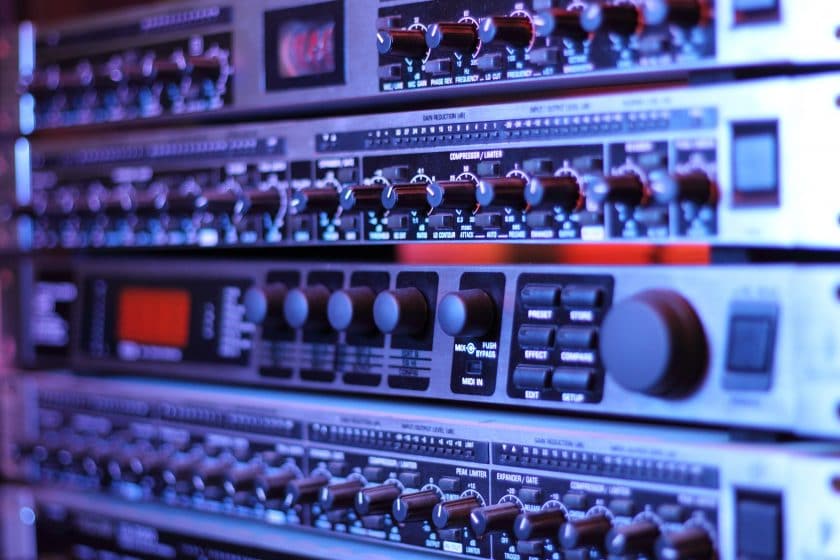
Compression is an audio effect that is used to tame the signal that is being recorded. Think of a person jumping on a trampoline and you want to make sure they don’t jump too high. So, you stretch an elastic band above them, so that if they jump too high, it restricts the height of the jump. A compressor works in the same way so that the signal stays within the parameters you set.
DAW
This refers to the computer and software being used to capture your musical signals. In most professional studios the sound will go through a mixing desk before it hits the computer. Once it hits the computer and is fed to the software it can be captured and digitally edited. The three most common DAWs include Apple’s Logic Pro X, Ableton and Avid’s Pro Tools. They allow engineers to make edits, add effects and then create the final file, which you can upload to Spotify or send to a pressing plant to create CDs and Vinyl.
Delay
A delay is simply an echo effect. The signal is delayed and then repeated. Whether you are using a pedal or digital plugin, you can change the volume level and a number of echoes that you hear.
Drop-in
A term used to describe when a musician or vocalist drops-in to record an additional part or correction at a specific time. So you might be dropped-in to re-record a chorus. Or dropped-in for the middle 8
Digital
In the recording studio setting, digital simply refers to any signal that is based on fixed numeric values. It can refer to guitar amps, effects, computers or any other piece of kit that has a digital component.
Digital music production
Digital music production refers to the use of computers to create and edit music. Almost every studio you walk into will have a computer at its heart. Despite all of the cool analogue kit you can get, computers have become a necessity thanks to the suite of tools they offer. These allow engineers and producers to quickly edit multiple tracks.
Dynamic Range
Any musical signal that is being recorded has a natural range in volume from quiet to loud is referred to as the dynamic range. It can be controlled using compression.
Editing
The process of altering, changing and affecting a piece of music. Typically, editing is done on a computer using a DAW (Digital Audio Workstation) as it offers a suite of tools that make the process really simple. Years ago, before computers had the capability, editing was done by cutting up and splicing together pieces of magnetic tape.
Flanger
Similar to phase, the signal for this effect is once again split in two, only the second signal is delayed over time creating the characteristically cool jet plane-style effect.
Mics
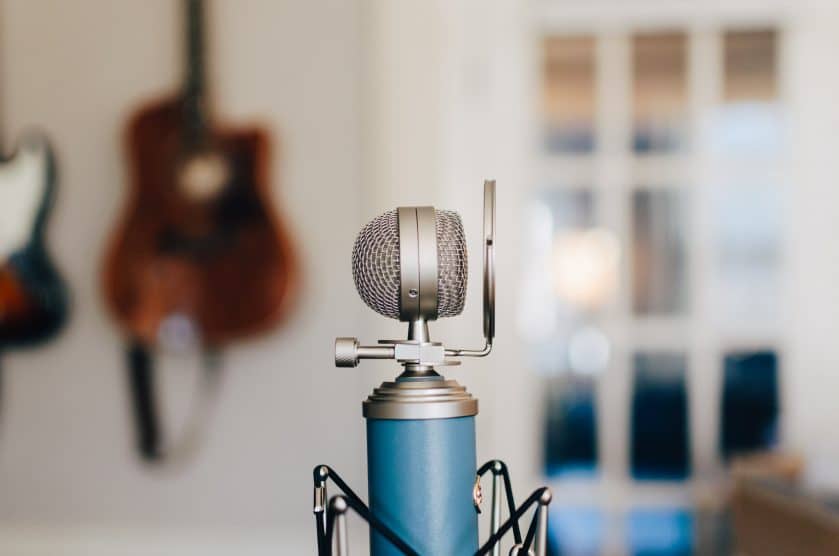
A decent studio should have hundreds of mics. They should have drum mics, vocal mics, room mics, instrument mics and a whole host more besides. Let your engineer worry about which one is the best for your sound. Just make sure he or she knows exactly what you are trying to achieve. Be sure to warm up your vocals before singing with a studio mic.
Mixing
A term that describes the process of mixing tracks together to produce a balanced and coherent sound. In the studio, it is the art of making everything sound like it has its own place without blending everything together into a musical mess.
Multi-tracking
Multi-tracking simply refers to more than one track being recorded. A perfect example is the drums. Collectively grouped as one instrument but recorded using lots of different microphones.
Overdub
The process of adding additional tracks to the recording. It can also refer to the re-taking or re-recording of tracks to be placed in the mix. The term comes from the tape-recording process used many years ago where the only way to add additional tracks was to ‘dub’ them into a second machine.
Panning
Moving the sound from one side to the other, from left to right, or right to left. If you listen carefully to most recordings, some sounds have a heavier presence on one side or the other. Only the vocals and drums tend to hold the centre. Try listening to your favourite track on headphones and you will instantly get it.
Phase
Phasing is another type of effect that can be added to an audio signal. Usually used by guitars, it splits the signal into two paths and when they merge they create a notched, futuristic sound.
Plugin
This is a separate software element that plugs-in to the DAW. They are developed by third parties to do specific things. Your engineer may have specific plugins for reverb, distortion effects or software models of vintage studio kit.
Reverb
Reverb or reverberation is an effect which can be added to any musical signal to add depth and fullness. You can experience reverb naturally when you perform in a large hall or a small bathroom. The digital effect is simply a manufactured way to recreate this natural phenomenon.
Software
There are tons of options when it comes to computer software. The industry standard that you will find in most professional studios is called Pro Tools. Another top-level option is Logic Pro X. There are others too, like Ableton Live, Propellerhead Reason, Cubase or Ardour. If you plan to get into production, then learning your way around various pieces of software is essential.
Studio desk
A short way of saying mixing desk. A mixing desk is a device that channels audio inputs – your voice, through a microphone, for example, and then feeds them elsewhere, allowing you to make changes to the sound. In a live scenario, a mixing desk takes your sound and feeds it to speakers. The same happens in a studio, but it also gets fed to the computer to it can be recorded by the software. In an analogue studio, the sound will be fed to a tape machine to be recorded.
Tracking
Tracking simply refers to the recording of a particular track. In the studio, it is referred to as the process of creating tracks. More specifically, it relates to when each individual is recording their parts separately. In a band scenario, for example, the band can play live (all at once) or be tracked (each individual plays their part separately along to a guide track).
Tremolo
This is a modulation effect that alters the volume in a rhythmic pattern and can be controlled and altered on the pedal if you are using a guitar effect or on the dials available on your plugin. Often used to give a spacey, retro feel to guitars.
VST
Virtual Studio Technology is a software interface created specifically for computers to allow them to integrate synthesizers and effects into DAW’s. These days they are so good that they can recreate classic pieces of studio equipment and emulate their sounds almost precisely.
XLR
A type of connector used on audio cables, primarily for microphones. It has a male and female end and connects between a mixing desk and the microphone itself. Can also be used for speakers and lighting rigs.
Before you even set foot in the studio, you need to have a clear idea about what you want to achieve. Then, you need to find a way to clearly communicate those ideas with your engineer or producer. The easiest way to do this is to provide staff with a demo of the work you intend to record and then some examples of how you want it to sound. If you are trying to take a recording of a band for a demo, you need to think about where you place your phone for the recording so that you capture enough of the sounds for the engineer to make sense of everything.
You should make notes on exactly how you want each element to sound. This may involve really detailed notes on how each verse, chorus, middle 8 or other musical elements should be approached. You can have notes on each instrument too. The more detailed your plan of attack, the more likely you are to walk away with a finished product you can be really proud of.
You also need to be well-rehearsed enough that the song sounds tight, finished and full of confidence. We’ve mentioned how crucial it is to have a plan when you go into the studio, but you also need to be able to communicate this plan. Which is why you need to be able to use this recording studio vocabulary.
Related Questions
What are the most common music studio terms?
We’ve told you about a lot of different words and phrases. But which are you most likely to hear? Here are the most common recording studio terms:
- Click track
- Automation
- Studio desk
- Tracking
- XLR
- Digital
- Analogue
- Editing
- Dynamic range
- Compression
How is music made on a computer?
Software allows an engineer to create tracks and assign instruments to them via a keyboard. Each note has a digital signature so sounds can be attributed to commands. This is called MIDI. Vocals are added with a mic and audio interface, converting the sound signal into a digital file which can be edited on a computer.